
Catalogue
Resource packs
Resource packs change textures, sounds and models without touching how the game behaves. They are tied to a pack format number rather than to a loader, so one pack often spans several Minecraft versions.
This catalogue tracks 48,563 resource packs, each with version compatibility and a direct link to the author's own download.

 26.3
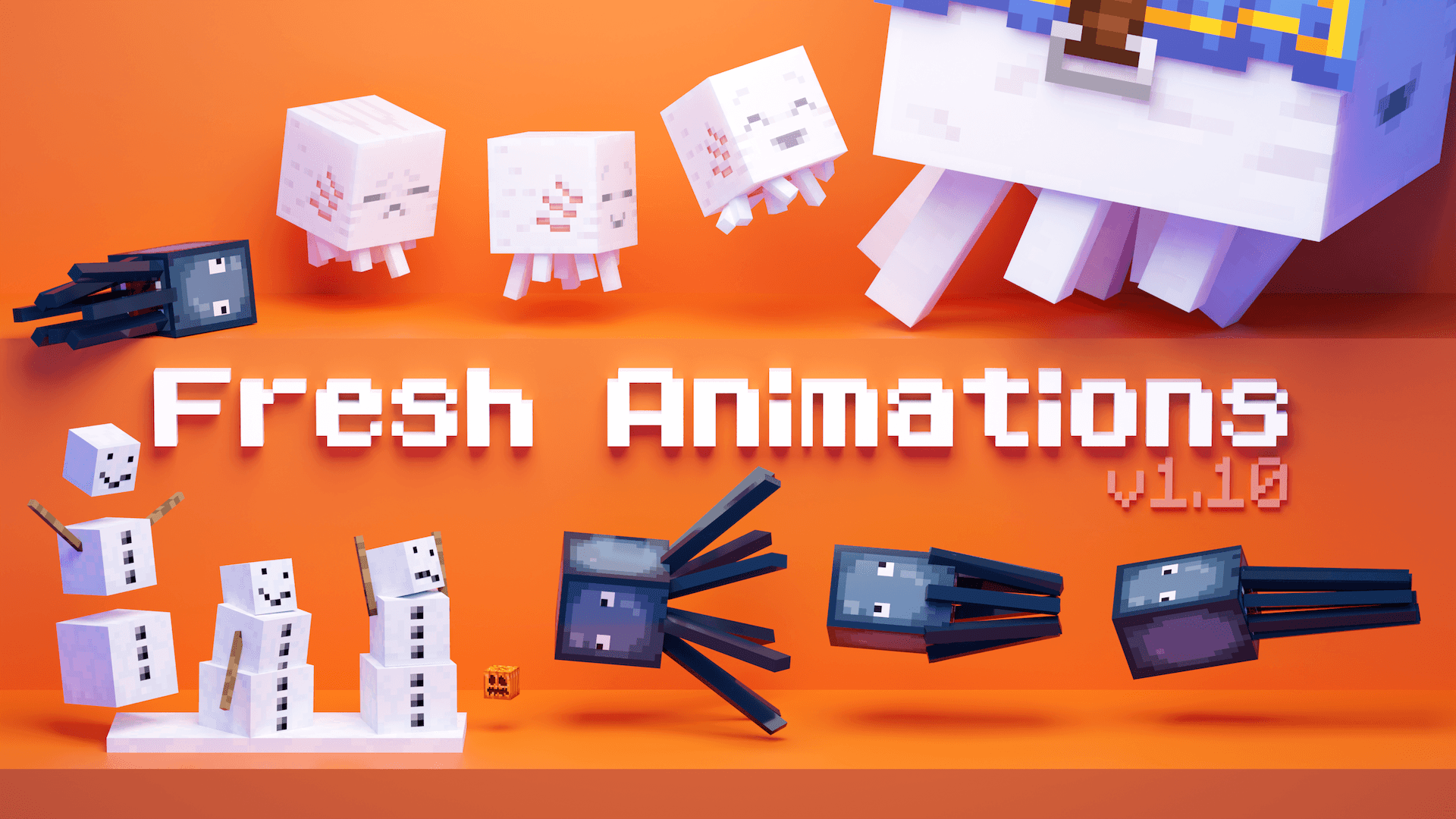
 Fresh Animations104.2MdownloadsMake your game like the trailers! Dynamic animated entities to freshen your Minecraft experience.Updated 6 d ago
 26.3
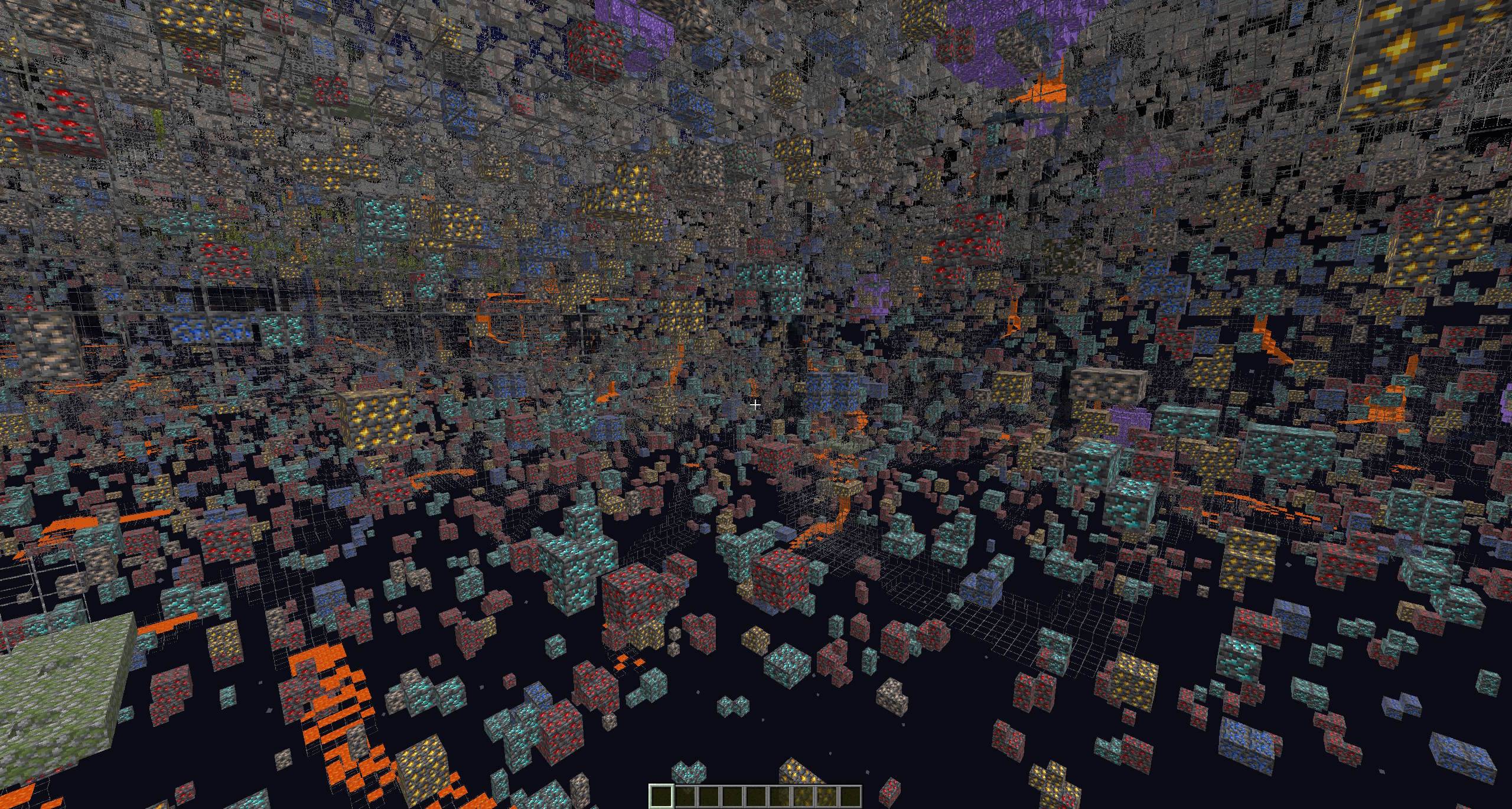
 Xray Ultimate81.7MdownloadsXray For javaUpdated 27 d ago
 26.3
 Fresh Animationsclient only53.0Mdownloads14.7k followersMake your game like the trailers! Dynamic animated entities to freshen your Minecraft experience.Updated 6 d ago
 1.21.5
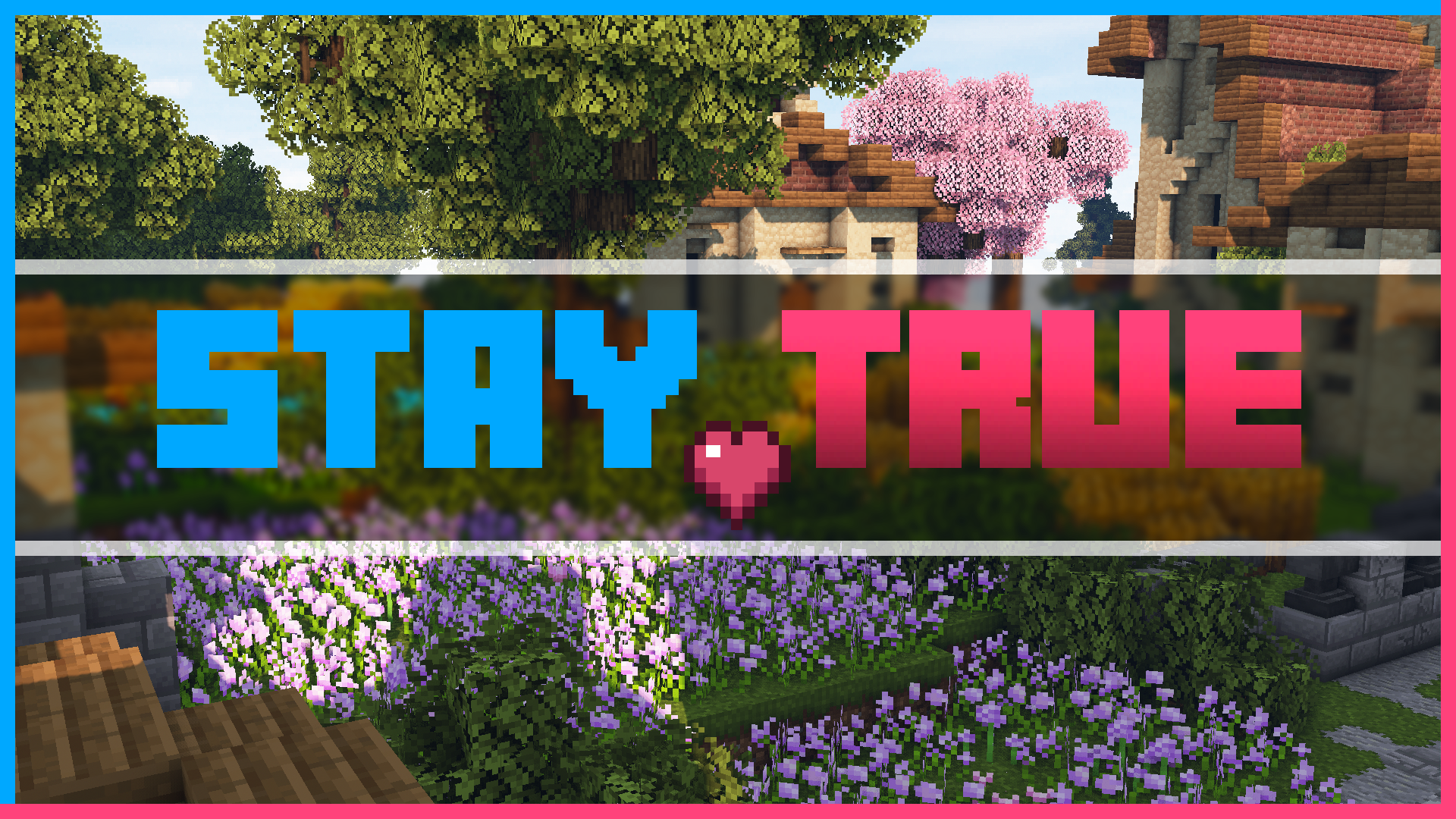
 Stay True48.8MdownloadsStaying True to The Original Textures.Updated 18 mo ago
 1.21.11
 Mandala's GUI - Dark mode41.9MdownloadsAn elegant Interface, in the style of Mandala Creations.Updated 3 mo ago
 26.3
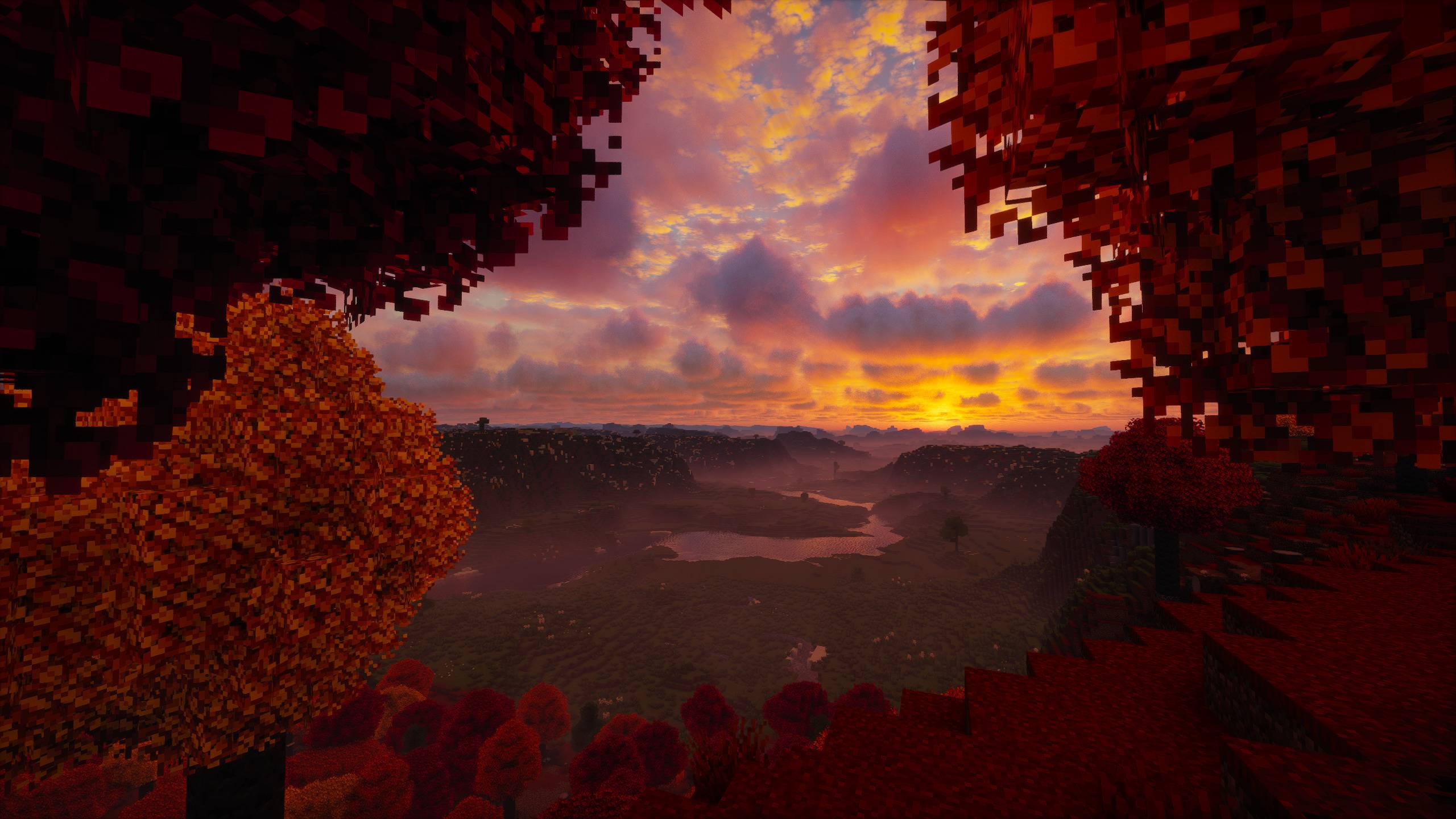
 Motschen's Better Leaves35.0MdownloadsImproves the appearance of leaves with high mod compatibility and performance!Updated 21 d ago
 1.20.2
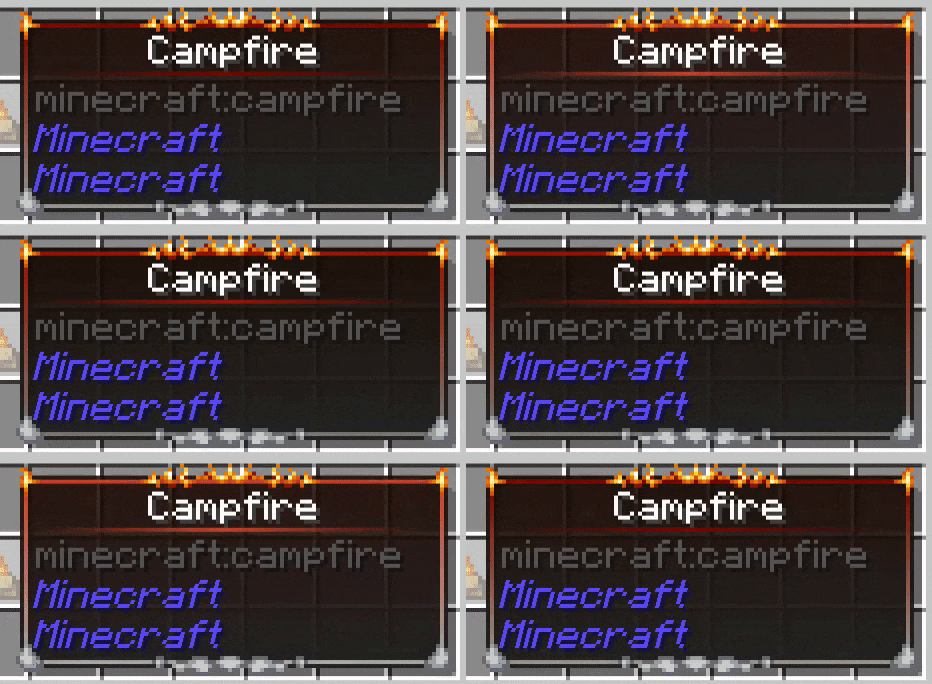
 Eclectic Trove (Legendary Tooltips)32.6MdownloadsAdds 10 various custom frames for use with Legendary Tooltips.Updated 9 mo ago
 26.3
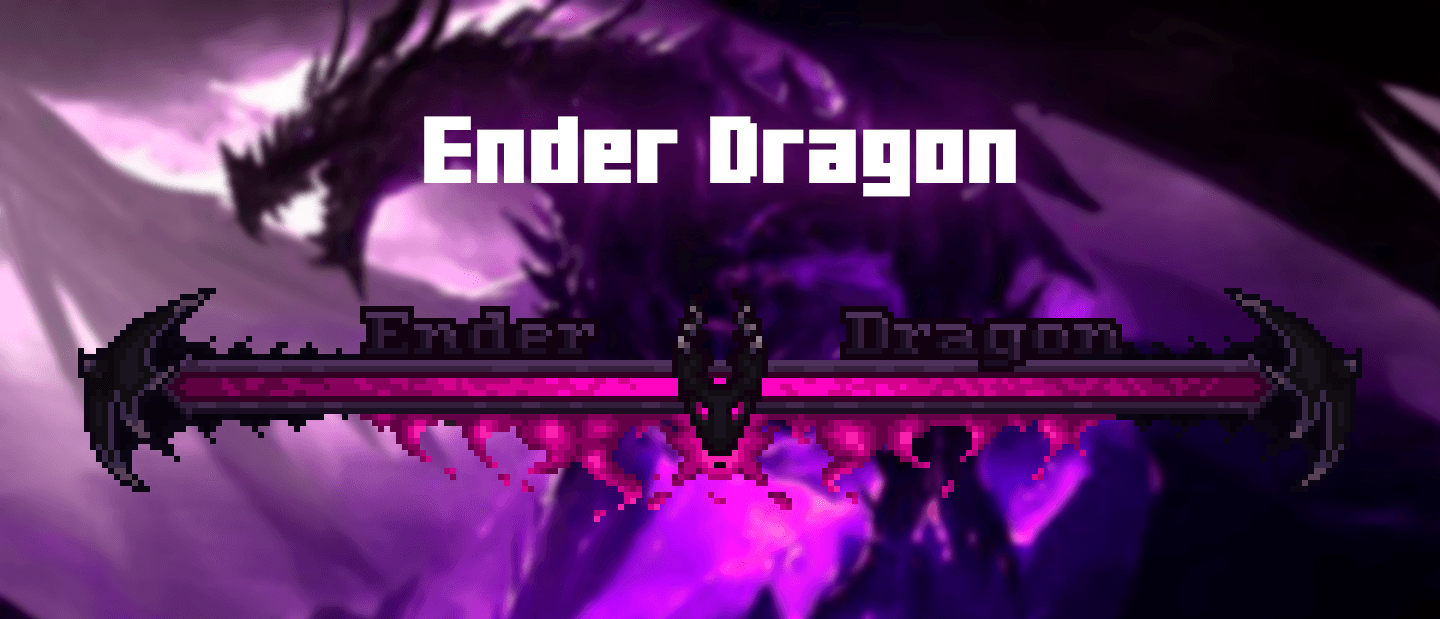
 Enhanced Boss Bars32.4MdownloadsNew improved boss bars!Updated 17 d ago
 1.20.1
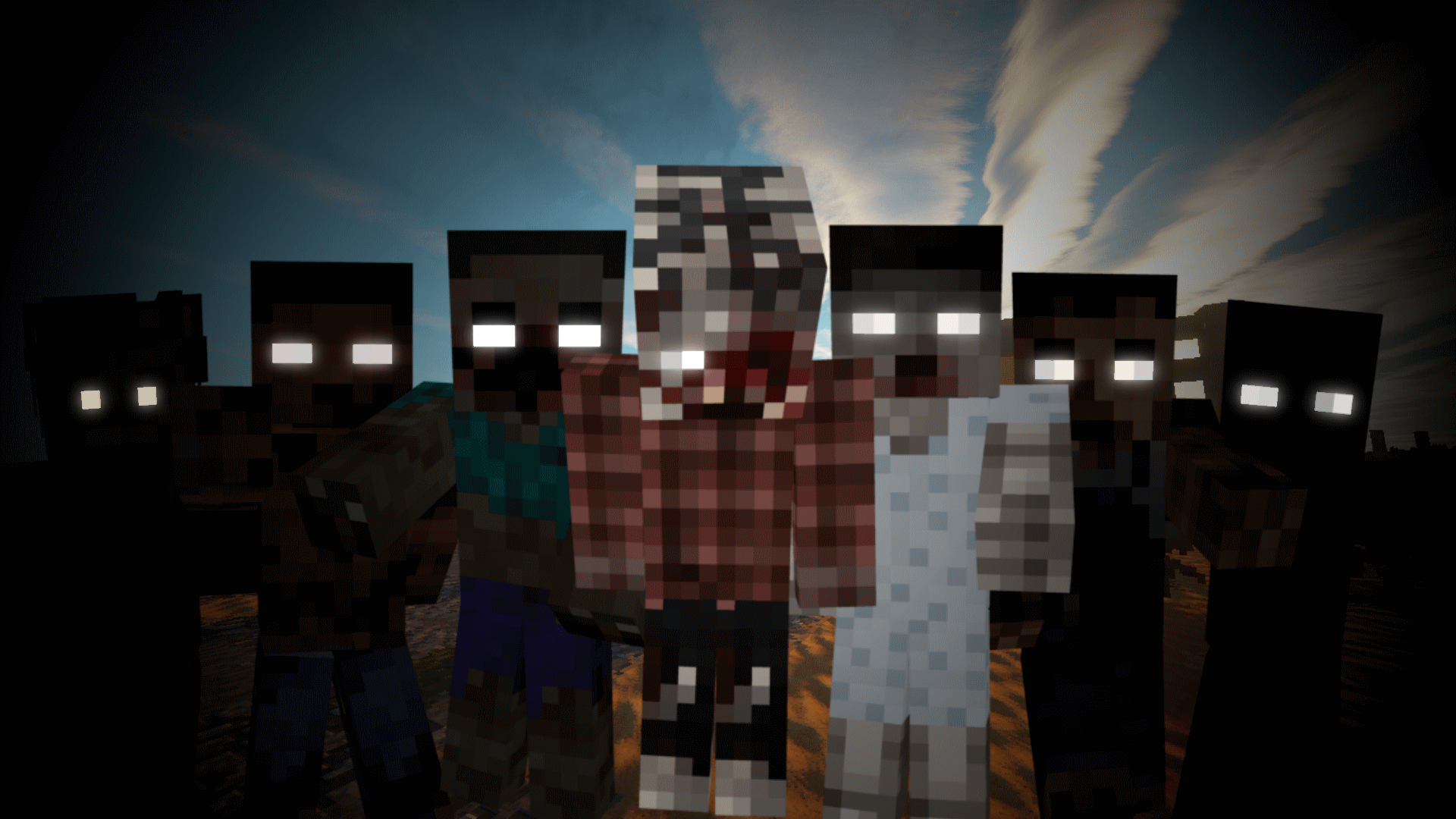
 Tissou's Zombie Pack29.9MdownloadsThis turns all undead to deadly horrifying walker-like creatures.Updated 2 y ago
 26.2
 Fresh Waystones Texture29.5MdownloadsResource pack that improve textures from the waystones mod.Updated 4 mo ago
 1.20.1
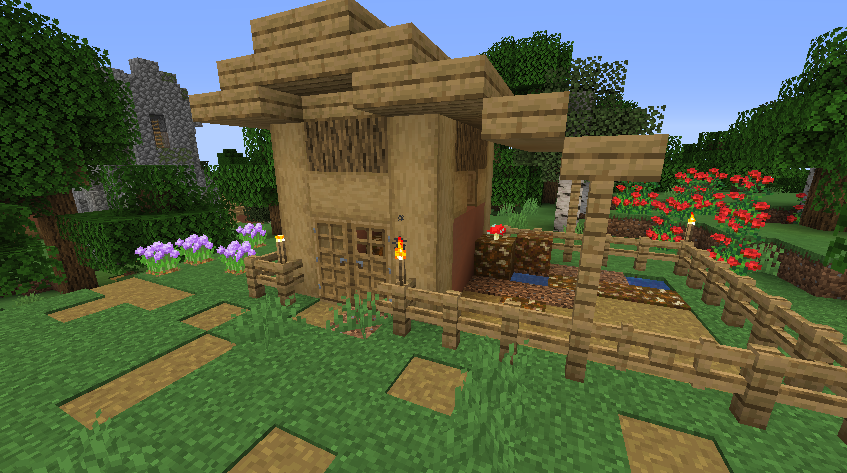
 Repurposed Structures - Farmer's Delight Compat Datapack28.0MdownloadsAdd Farmer's Delight to Repurposed Structures VillagesUpdated 3 y ago
 When Dungeons Arise - No Flying Structures26.9MdownloadsDisables WDA flying structures on the overworldUpdated 3 y ago
 1.21.4
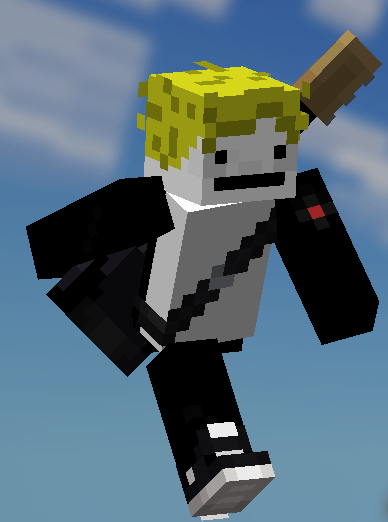
 Fresh Moves25.4MdownloadsThis is EMF Player Animation resource pack. Gives fancy animations to the player entity. Compatible with animations from other mods. Like Quark's emotes, Parcool techniques and Not Enough Animations. Updated 10 mo ago
 When Dungeons Arise - Spacing Tweaks25.0MdownloadsChanges spacing and separation of several WDA structuresUpdated 3 y ago
 1.21.11
 Icon Xaero's23.4MdownloadsIcon mod for xaero's map and minimap. Many icon modUpdated 1 mo ago
 26.3
 Translations for Sodiumclient only23.1Mdownloads1.7k followersUnofficial translations for the Sodium Minecraft modUpdated 16 h ago
 26.3
 Fresh Animations: Extensions23.1MdownloadsA combination of offical extension packs for Fresh AnimationsUpdated 6 d ago
- 1.20.1
 Embellished Stone (Advancement Plaques)22.7MdownloadsFor use with the Advancement Plaques mod, gives them a look of embellished stone.Updated 3 y ago
 1.20.4
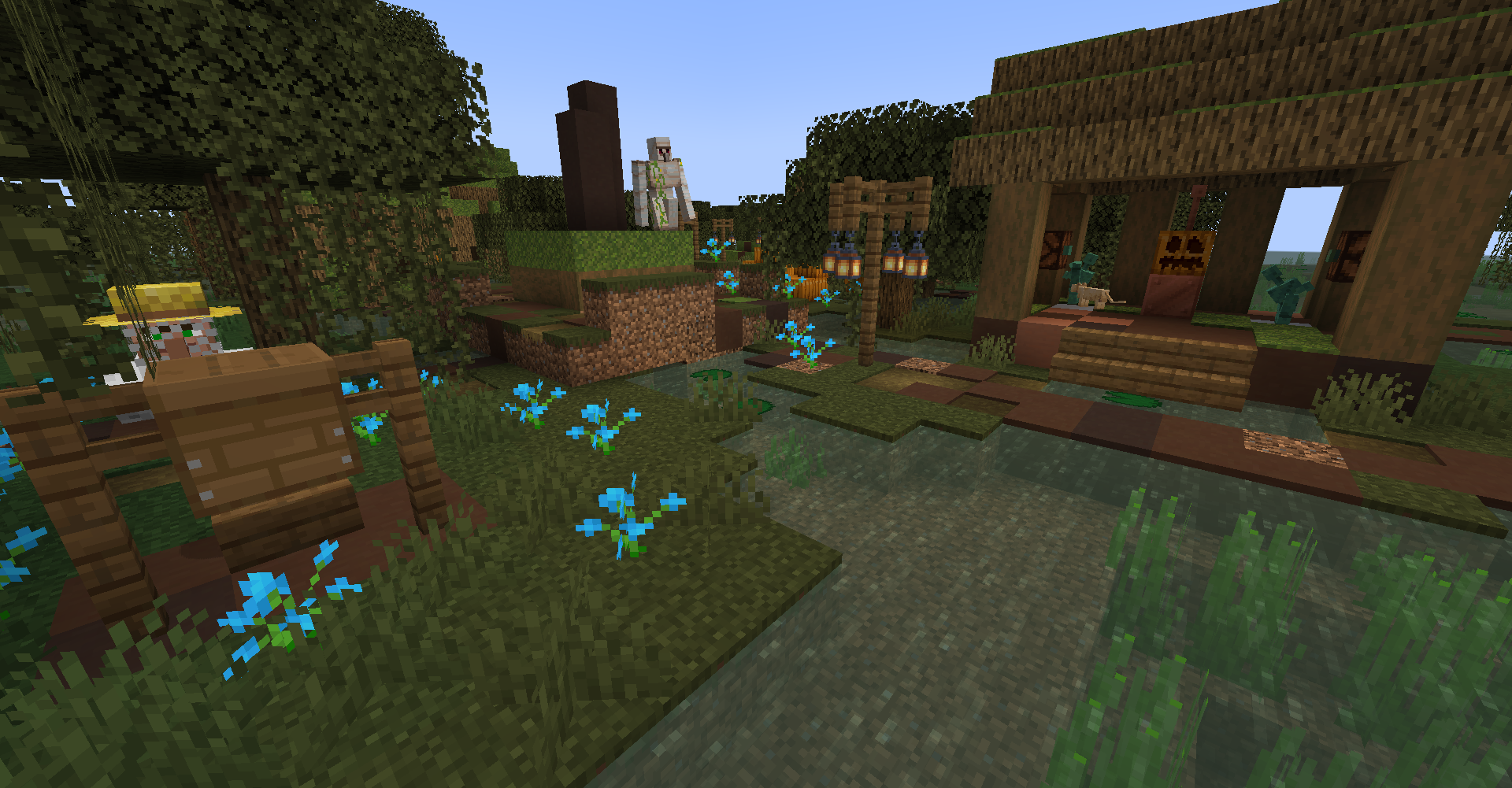
 Repurposed Structures - Friends and Foes Compat Datapack22.0MdownloadsAdd Copper Golems and Beekeepers to RS VillagesUpdated 3 y ago
 1.21.1
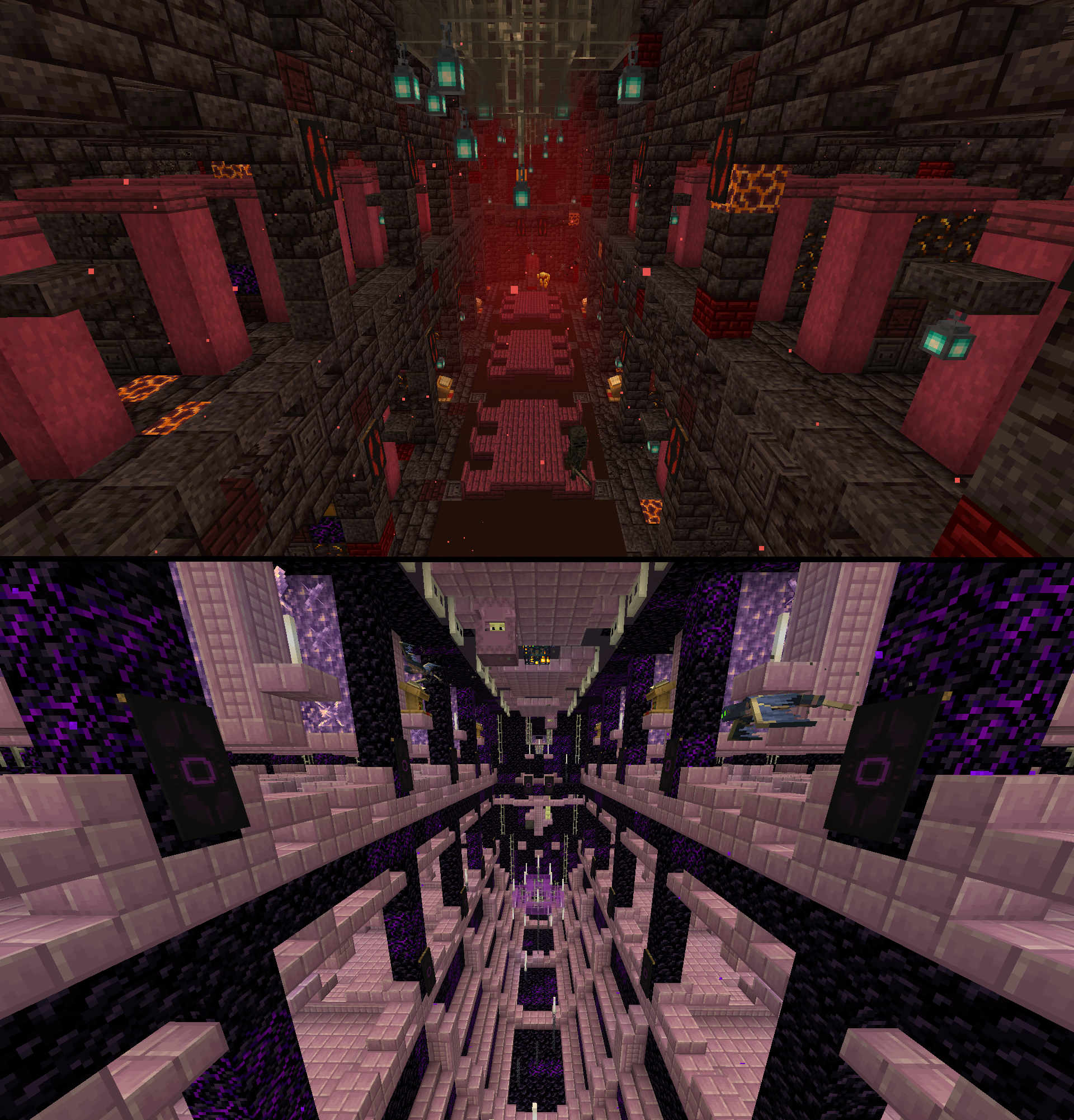
 Repurposed Structures - Better Strongholds Compat Datapack21.4MdownloadsChange RS Strongholds to be in Better Stronghold's styleUpdated 22 mo ago
 26.3
 Dramatic Skys20.8MdownloadsDramatic HD SkiesUpdated 2 mo ago
- 26.3
 Slightly Improved Font (32x)20.1MdownloadsThis resource pack adds a slightly improved version of vanilla Minecraft font (32x version)Updated 4 d ago
 26.2
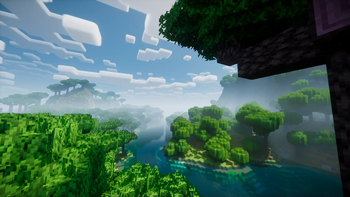
 Motschen's Better Leavesclient only19.8Mdownloads5.1k followersImproves the appearance of leaves with high mod compatibility and performance!Updated 2 mo ago
 1.21.1
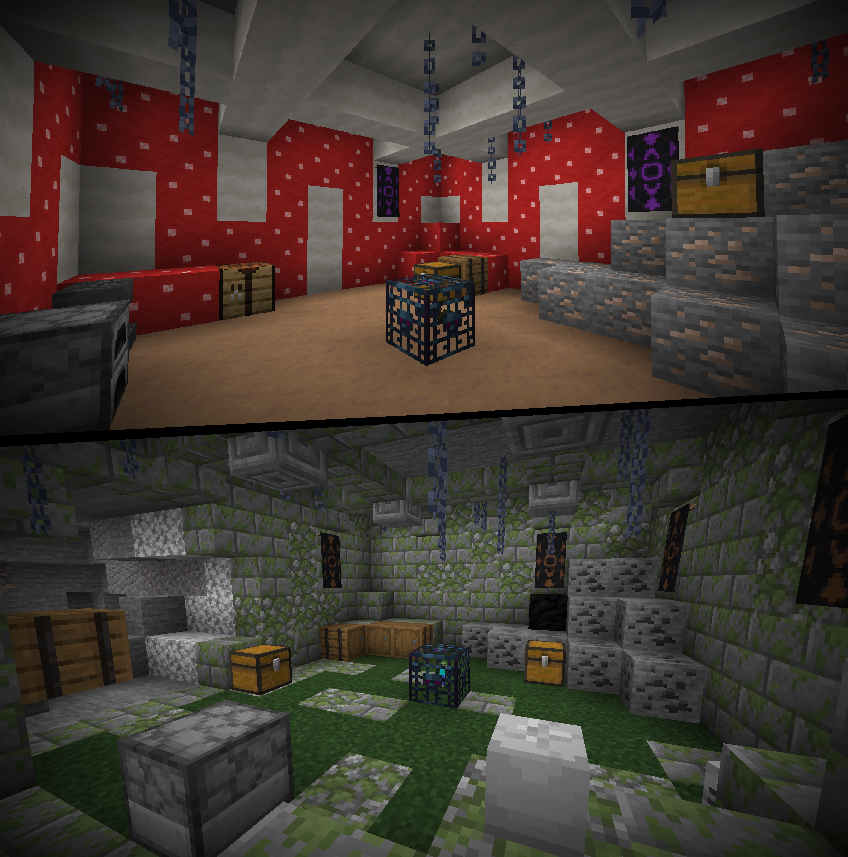
 Repurposed Structures - Better Dungeons Compat Datapack19.7MdownloadsChange RS Dungeons to be in Better Dungeon's styleUpdated 2 y ago
 1.21.4
 When Dungeons Arise - Loot Tweaks19.6MdownloadsA bunch of loot-changing datapacks to better fit certain modpacksUpdated 22 mo ago
 26.3
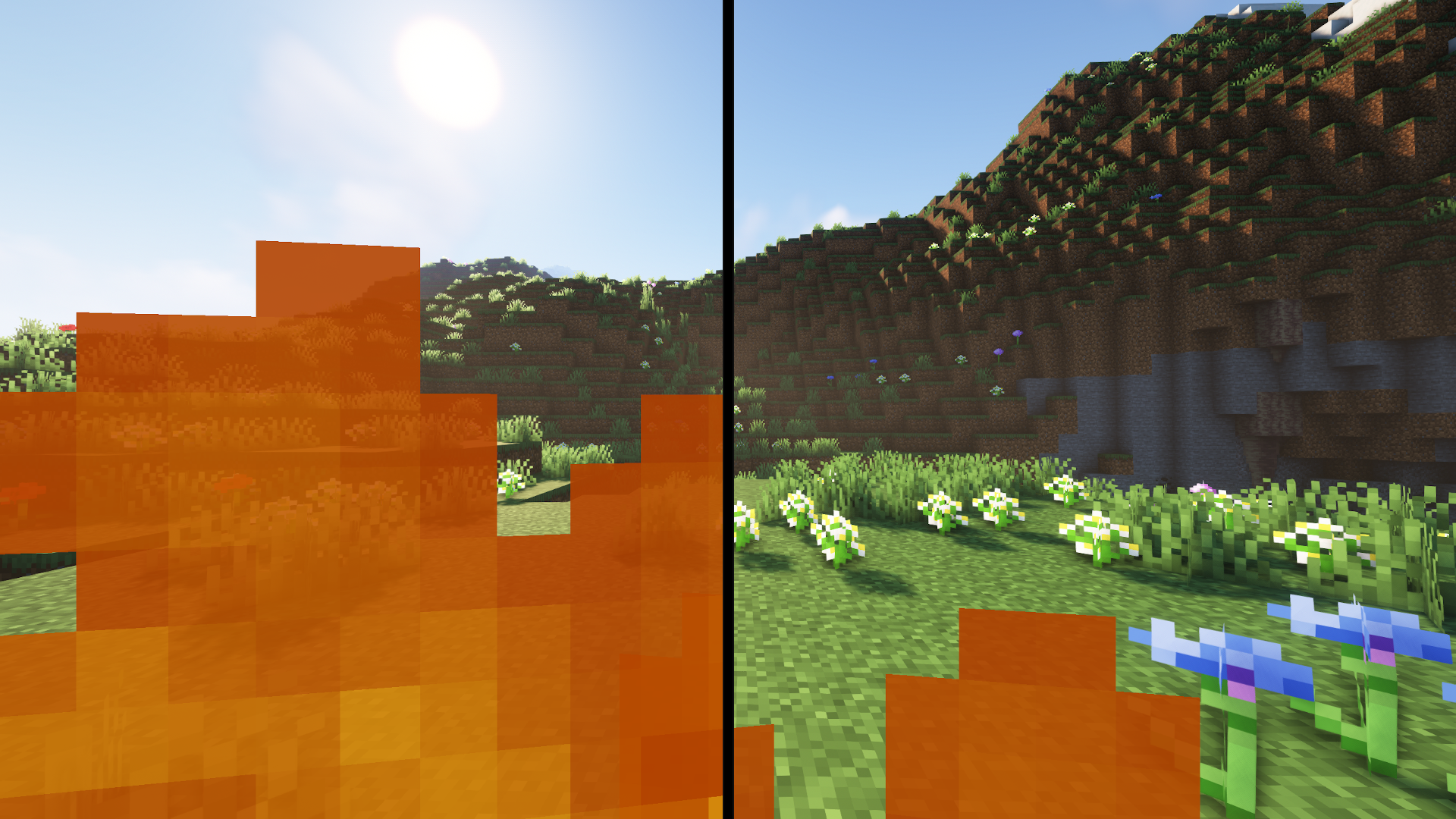
 Low On Fire19.5MdownloadsLow fire on your screen! Vanilla FriendlyUpdated 2 mo ago
 1.21.1
 Repurposed Structures - Better Witch Huts Compat Datapack19.2MdownloadsChange RS Witch Huts to be in Better Witch Hut's styleUpdated 2 y ago
 26.3
 (Bee's) Fancy Crops17.9MdownloadsMy take on prettier farming, compatible with mods!Updated 6 mo ago
 Lycanites Mobs 32X17.6Mdownloads32X Textures for Lycanites MobsUpdated 5 y ago
 26.3
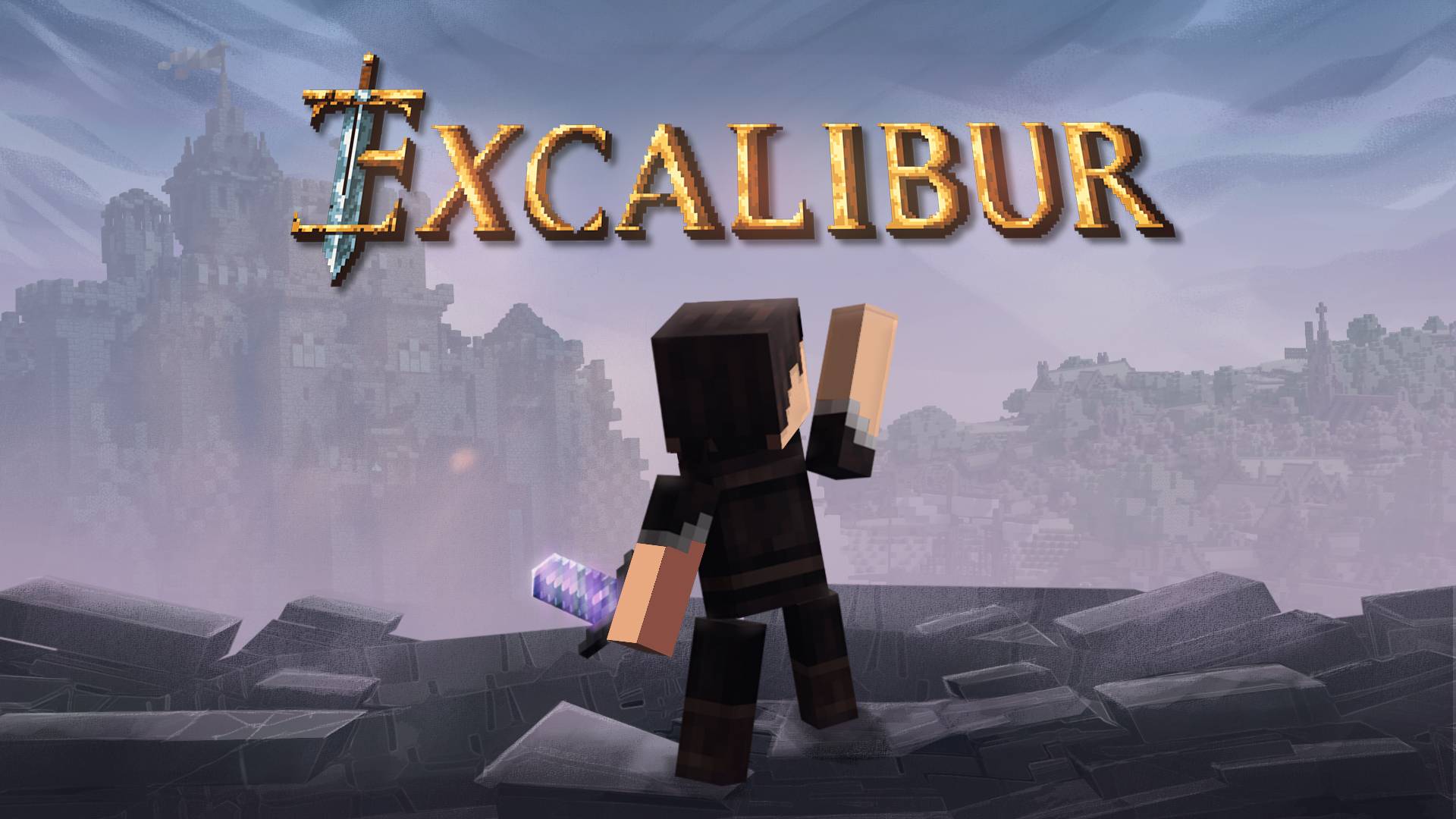
 Excalibur17.6Mdownloads16x Medieval AdventureUpdated 2 mo ago
About Minecraft resource packs
How do I install a resource pack?
Download the pack and put it in your .minecraft/resourcepacks folder, then enable it in Options > Resource Packs. No mod loader is needed.
Can you use resource packs on servers?
Yes. A server can prompt every player to load a resource pack when they join. The pack runs on the client, but the server decides which one to use.
What is the difference between a resource pack and a shader pack?
A resource pack replaces textures, sounds and models. A shader pack replaces how the game draws light and shadow, and needs a shader loader like Iris or OptiFine on top.
What is a Minecraft resource pack?
A resource pack replaces the textures, sounds, models and language files the game ships with. It changes nothing about the rules, so it is safe on a vanilla server.
How do I find resource packs that work on my Minecraft version?
Use the Minecraft version filter at the top of the page. Everything listed under a version declares support for it, so you get the list that will actually load rather than everything that happens to mention the version somewhere in its description.
Where do the downloads come from?
Every resource pack links to its author's own release. MCReference is a reference to what exists and where the official download is; nothing here is mirrored, re-hosted or repackaged.
Is this information wrong or missing something? .