
Catalogue
Modpacks
A modpack is a fixed set of mods pinned to one Minecraft version and one loader. That pinning is the point: everything inside it has already been checked against everything else.
This catalogue tracks 40,279 modpacks across Fabric, NeoForge and Forge, each with version compatibility and a direct link to the author's own download.

- 1.12.2
 RLCraft30.5MdownloadsA modpack specially designed to bring an incredibly hardcore and semi-realism challenge revolving around survival, RPG elements, and adventure-like exploration.Updated 19 mo ago
 1.21.1
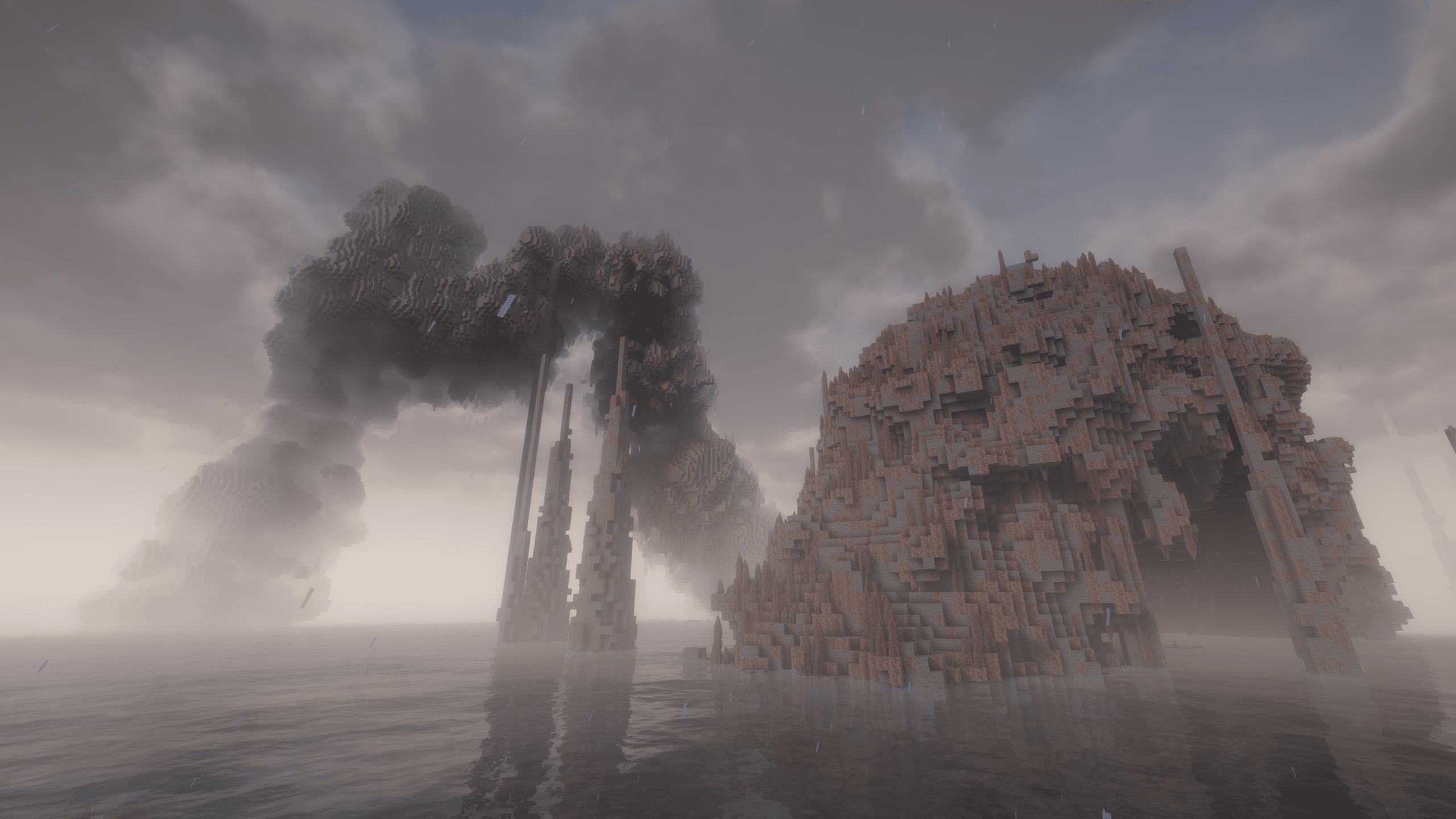
 All the Mods 10 - ATM1022.9MdownloadsThe top pack of 2026 with around 500 mods! Tons of quests and a proper endgame. Updated 3 d ago
- 1.21.1
 The Pixelmon Modpack20.2MdownloadsThis is a Modpack designed to give players an easy time getting started.Updated 10 d ago
 26.3
 Fabulously Optimizedclient only19.7Mdownloads5.0k followersBeautiful graphics, speedy performance and familiar features in a simple package. Wilderness Bound beta!Updated 6 d ago
 1.20.1
 Better MC [FORGE] BMC418.9MdownloadsVersion 1.20.1 | A Proper Vanilla+ Modpack | Don't play Vanilla play this!Updated 29 d ago
- 1.12.2
 SkyFactory 414.2MdownloadsThe ultimate skyblock modpack! Watch development at: darkosto.tv/SkyFactoryLiveUpdated 5 y ago
- 1.20.1
 All the Mods 9 - ATM913.7MdownloadsATM9 has over 400 mods loaded and countless quests and a built in proper endgame. Can you craft the ATM Star? Do you dare take on the Gregstar?Updated 14 d ago
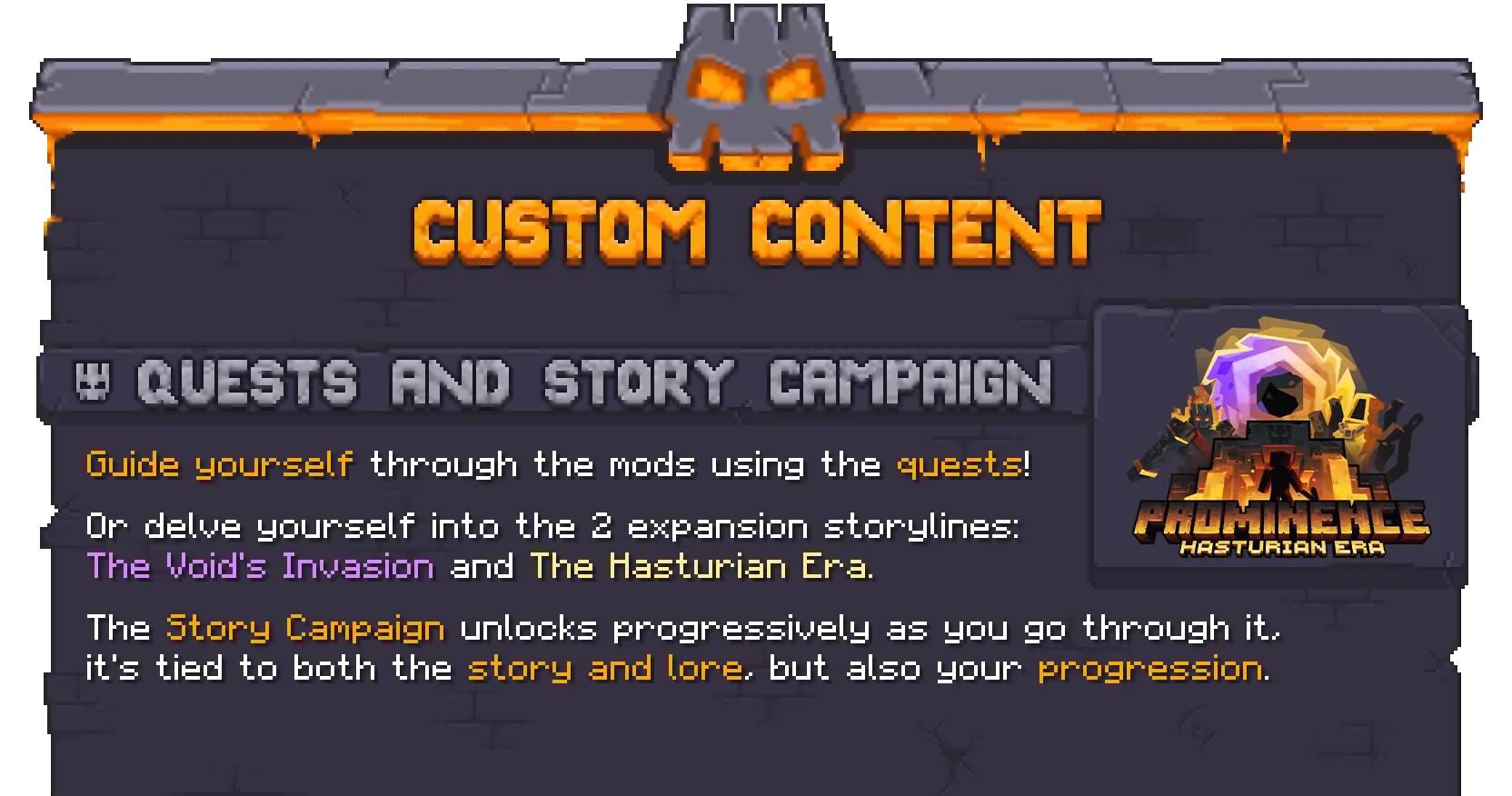 1.20.1Prominence™ II: Hasturian Era13.3MdownloadsLore-rich RPG | Explore the Kingdom of Vaaz with voiced NPCs, a custom Questing System, Custom Gear, Bosses, Talent Tree and more!Updated 11 h ago
- 1.20.1
 Zombie Invade 100 Daysclient and server12.2Mdownloads579 followers僵尸入侵 100 天(高版本惊变重制)—— Same as Forge Labs 100 Days Zombie Apocalypse in new MinecraftUpdated 11 mo ago
 1.21.1
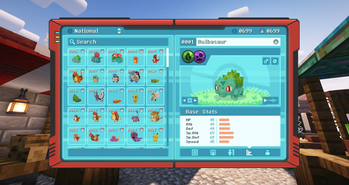
 Cobblemon Official Modpack [Fabric]client and server11.6Mdownloads2.7k followersThe official modpack of the Cobblemon mod, for Fabric!Updated 11 d ago
 1.18.2
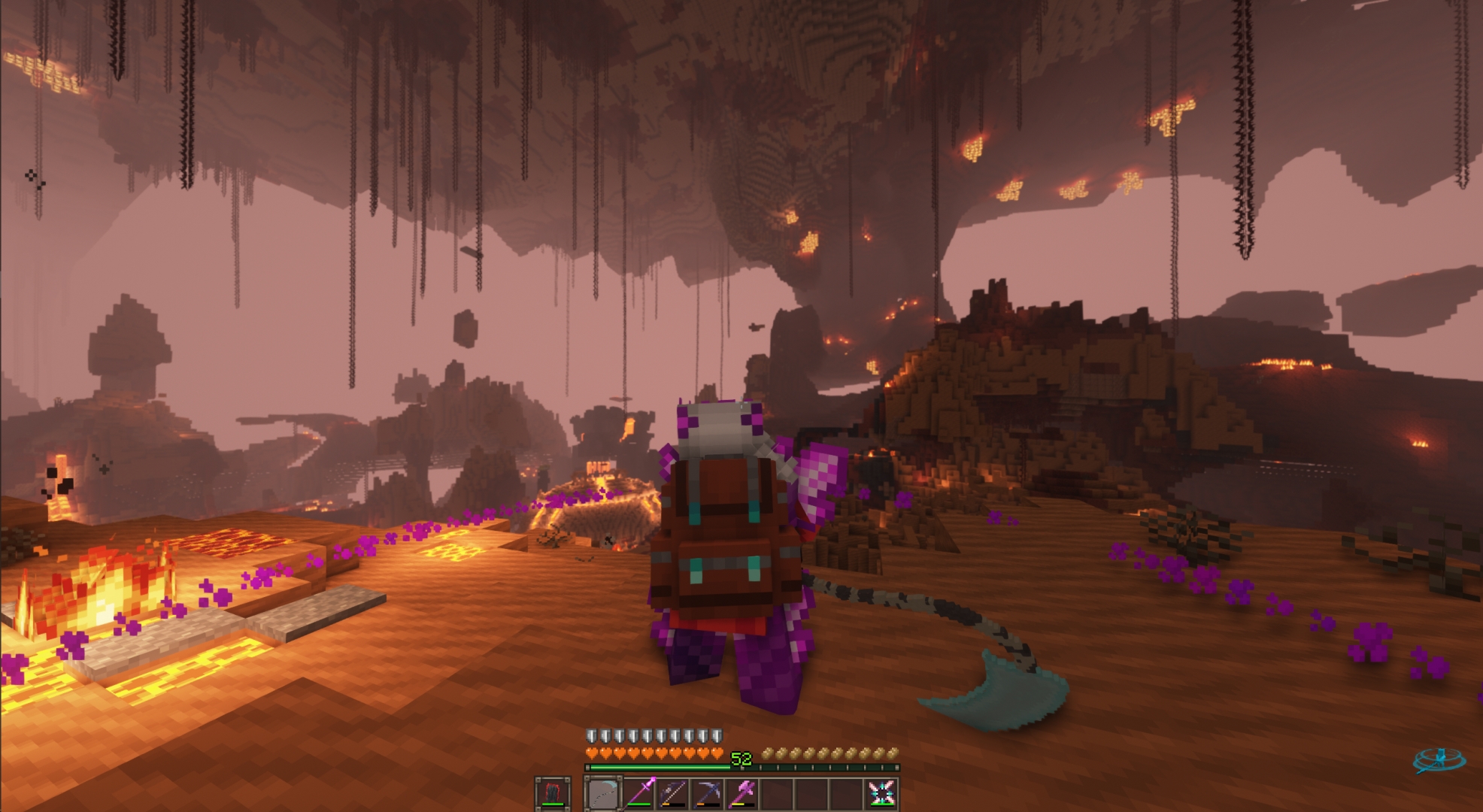
 DawnCraft - Echoes of Legends10.6MdownloadsSouls-like RPG modpack w/ Unique Questing System!Updated 12 mo ago
 1.20.1
 DeceasedCraft - Urban Zombie Apocalypse9.9MdownloadsExplore, loot and shoot your way through cities overrun by the infected in this zombie apocalypse modpack. Master the tech tree, craft better and stronger equipment, and eventually brave the radioactive Wasteland to find the cure.Updated 1 mo ago
 1.19.2
 All the Mods 8 - ATM89.3MdownloadsOver 350 mods with quests and shaders on the 1.19.2 version of MC. Updated 2 mo ago
 1.20.1
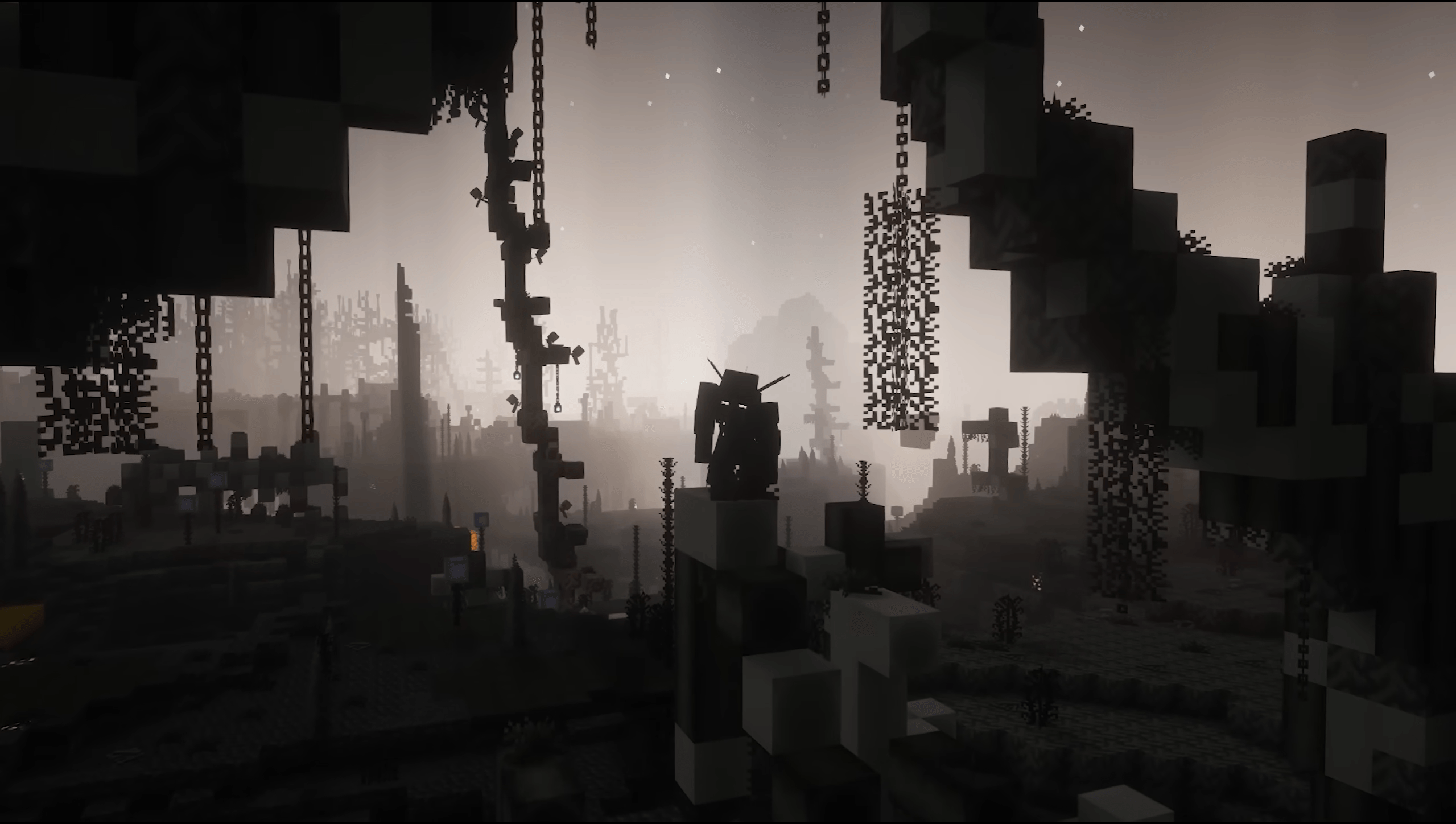
 Cursed Walking - A Modern Zombie Apocalypse8.8MdownloadsA fully fledged zombie apocalypse modpack for the newest versions of Minecraft.Updated 12 d ago
 26.3
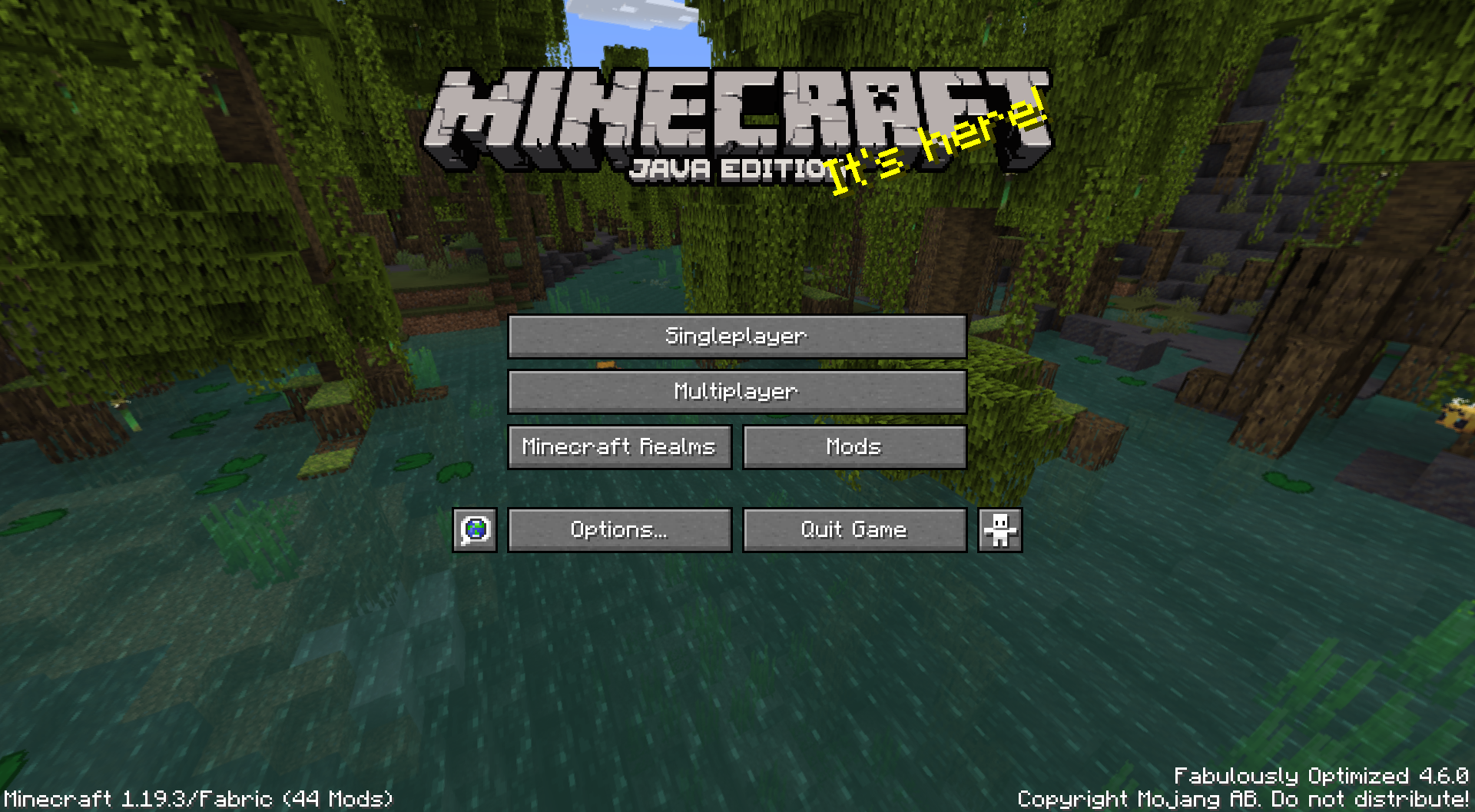
 Fabulously Optimized8.1MdownloadsBeautiful graphics, speedy performance and familiar features in a simple package. Wilderness Bound beta!Updated 6 d ago
 1.19.2
 Better MC [FABRIC] BMC17.9MdownloadsVersion 1.19.2 | A Proper Vanilla+ Modpack | Don't play Vanilla play this!Updated 5 mo ago
 1.12.2
 Roguelike Adventures and Dungeons7.6MdownloadsExploration-based rogue-like modpack with Quests, Character and Tools Leveling, tons of new structures, Twilight Forest, Aether, The Betweenlands, Tropicraft, Cavern, Beneath dimension and more!Updated 6 mo ago
- 1.12.2
 SevTech: Ages7.2MdownloadsThe ultimate advanced progression modpack! Watch development at: darkosto.tv/SevTechLiveUpdated 4 y ago
- 1.10.2
 FTB Presents SkyFactory 36.8MdownloadsIt's skyblock like you've never seen it before!Updated 16 mo ago
- 1.16.5
 All the Mods 6 - ATM66.5MdownloadsHUGE 1.16.5 Modpack. Can you get to the Creative items by making the "ATM Star"? Updated 3 y ago
 1.20.1
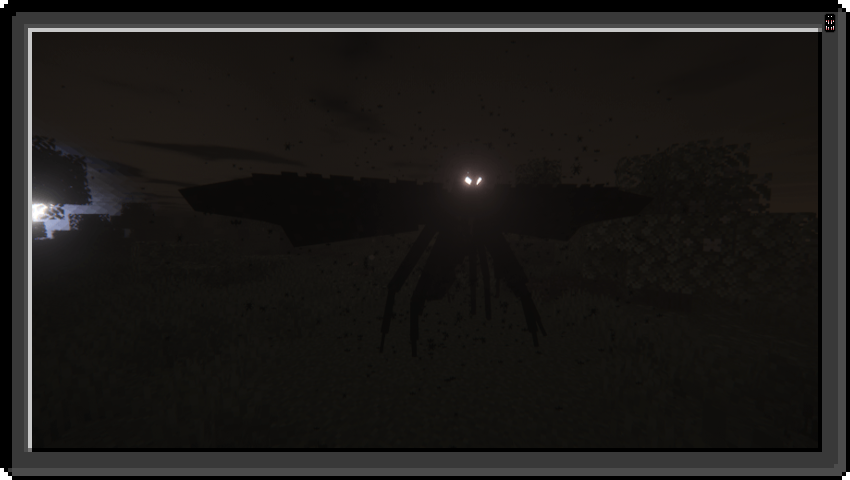
 Cave Horror Project 1 - Best Horror Modpack with Quests!6.2MdownloadsForge 1.20.1 | Chapter 6 is now out! | Best horror modpack with quests! PLAY NOW!Updated 26 d ago
 1.18.2
 Vault Hunters Third Edition5.9MdownloadsAction RPG in Minecraft! Level up, learn talents and abilities, build a base, build farms collect the 25 artifacts and defeat the final boss!Updated 3 mo ago
 1.16.5
 Better MC [FORGE] BMC15.8MdownloadsVersion 1.16.5 | A Proper Vanilla+ Modpack | Don't play Vanilla play this!Updated 5 mo ago
- 1.7.10
 FTB Infinity Evolved5.7MdownloadsNow Includes Quests! Infinity Evolved adds game modes! Two modes are currently included; 'normal' and 'expert'. New and existing worlds are automatically in 'normal' mode, to switch to the all-new game...Updated 16 mo ago
 1.21.1
 COBBLEVERSE - Pokemon Adventure [Cobblemon]client and server5.4Mdownloads1.7k followersStart a true Pokémon adventure in Minecraft: Cobblemon 1.7.3 | ALL 1025 Pokémon! | Mega Evolutions | Gyms & Badges | Starter Kit | Unique Structures | Custom Music | Shaders | Optimized | So much more! [1.21.1]Updated 4 mo ago
 1.21.1
 COBBLEVERSE - Pokemon Adventure [Cobblemon]5.4MdownloadsStart a true Pokémon adventure in Minecraft: Cobblemon 1.7.3 | ALL 1025 Pokémon! | ALL 93 Mega Evolutions | Gyms & Badges | Starter Kit | Unique Structures | Custom Music | Shaders | Optimized | So much more! [1.21.1]Updated 4 mo ago
 1.19.2
 Cisco's Fantasy Medieval RPG [Ultimate]5.1MdownloadsExplore a definitive medieval RPG experience featuring deep custom lore, powerful equipment and handcrafted quests , playable solo or with freinds.Updated 5 mo ago
- 1.12.2
 StoneBlock5.0MdownloadsKinda like SkyBlock, except you don't start with a tree and you're surrounded by stoneUpdated 26 d ago
 1.12.2
 MC Eternal4.9MdownloadsSomething for everyone I promise! Hybrid pack with some fun twists, Over 1000+ Quests and challenges to complete!Updated 1 mo ago
 1.16.5
 Roguelike Adventures and Dungeons 24.8MdownloadsExploration-based rogue-like modpack with quests, Character and Tool leveling, tons of new structures, Twilight Forest, Blue Skies, Undergarden, Tropicraft, Bumblezone, Atum 2 dimensions and more!Updated 30 d ago
About Minecraft modpacks
How do I install a modpack?
Use a launcher that supports modpacks, such as Prism Launcher, ATLauncher or the CurseForge app. Import the modpack file and the launcher handles downloading every mod for you.
Which launcher do I need for modpacks?
Prism Launcher, ATLauncher and the CurseForge app all handle modpacks. Pick whichever you prefer; most packs work across launchers.
Can I add mods to a modpack?
You can, but the pack author tested a specific set of mods together. Adding or removing one can cause crashes or broken recipes, so back up your world first.
What is a Minecraft modpack?
A modpack is a curated set of mods, configuration and sometimes a world, shipped as one download and pinned to a single Minecraft version.
How do I find modpacks that work on my Minecraft version?
Use the Minecraft version filter at the top of the page, and the loader filter beside it. Everything listed under a version declares support for it, so you get the list that will actually load rather than everything that happens to mention the version somewhere in its description.
Where do the downloads come from?
Every modpack links to its author's own release. MCReference is a reference to what exists and where the official download is; nothing here is mirrored, re-hosted or repackaged.
Which loader do modpacks need?
Modpacks need a loader such as Fabric, NeoForge, Forge and Quilt. Install the loader first, then the modpack, and make sure both are built for the same Minecraft version.
Is this information wrong or missing something? .