

mod
Cobblemon CardsMinecraft mod for 1.21.1
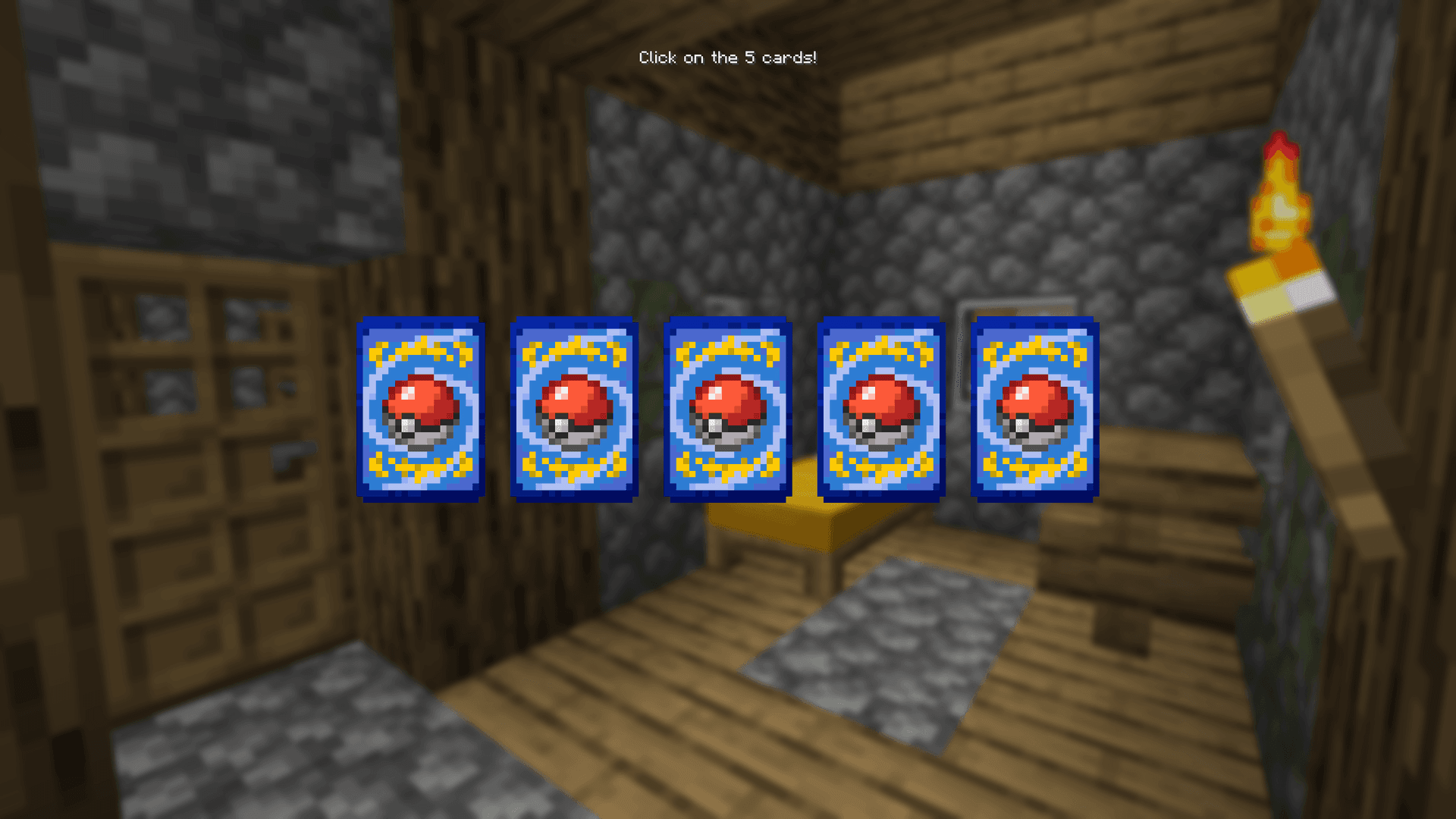
Collect, trade, grade, and display Pokémon trading cards with stunning 3D holographic shaders in Cobblemon!
- Latest version
- cobblemon-cards-neoforge-1.0.4.jar
- Minecraft
- 1.21.1
- Java
- Java 21+
- Loaders
- NeoForge, Fabric
- Licence
- not stated
- Downloads
- 4.8k
- Updated
- 3 mo ago
- Available on
- CurseForge
Screenshots
Click a screenshot to open it. Screenshots are served from the author’s own host and belong to them.
Minecraft versions
Every version Cobblemon Cards declares support for, newest first, with the Java runtime that version needs.
Download
From Cobblemon Cards’s own host. Nothing is re-hosted here.
cobblemon-cards-neoforge-1.0.4.jar · 22.3 MB · for 1.21.1
25b8748bcefe…Older versions8Hide older versions
- cobblemon-cards-fabric-1.0.4.jar13 Jul 20261.21.122.3 MB
767b7d93ee13…Get - cobblemon-cards-fabric-1.0.3.jar12 Jul 20261.21.146.9 MB59 downloads
6c0b89f2d684…Get - cobblemon-cards-neoforge-1.0.3.jar12 Jul 20261.21.124.5 MB38 downloads
f12bf88c1785…Get - cobblemon-cards-neoforge-1.0.2.jar10 Jul 20261.21.124.5 MB73 downloads
24284aec7453…Get - cobblemon-cards-fabric-1.0.2.jar10 Jul 20261.21.146.9 MB
6d200d5b8443…Get - cobblemon-cards-fabric-1.0.1.jar8 Jul 20261.21.146.9 MB136 downloads
f6cf1a3d2672…Get - cobblemon-cards-neoforge1.0.1.jar10 Jun 20261.21.124.5 MB27 downloads
5c83644148dd…Get - cobblemon-cards-1.0.0.jar5 Jun 20261.21.124.6 MB
1388c46fcb03…Get
Frequently asked
Does Cobblemon Cards work on Minecraft 1.21.1?
Yes. 1.21.1 is the newest Minecraft version Cobblemon Cards declares support for, and the claim comes from the author's own release metadata rather than from a compatibility list somebody maintains by hand.
Which platform or loader does Cobblemon Cards support?
NeoForge, Fabric. A build for one platform or loader will not necessarily load on another, so this is the first thing to check before the Minecraft version.
Which Java version do I need for Cobblemon Cards?
On the newest Minecraft version it supports, Java 21 or newer. The requirement comes from the Minecraft version you run rather than from the mod itself, so on an older supported Minecraft the answer is that version's Java, not this one.
How do I install Cobblemon Cards?
Install the matching loader first, then put the downloaded file in your mods folder and start the game. The loader, the mod and Minecraft all have to be on the same version, which is the usual reason a mod does not appear in game.
Where do I download Cobblemon Cards safely?
Start with the author's page on CurseForge, which is where the data here is synced from. MCReference does not host or repackage files. The download link goes to the source recorded for that release; verify the publisher, filename and checksum before running it.
Works on the same versions
Ordered by how much of the recent Minecraft version coverage overlaps, not by popularity.
Is this information wrong or missing something? .